

A/B Testing Push Notifications: What to Test and How to Pick a Winner
In this article
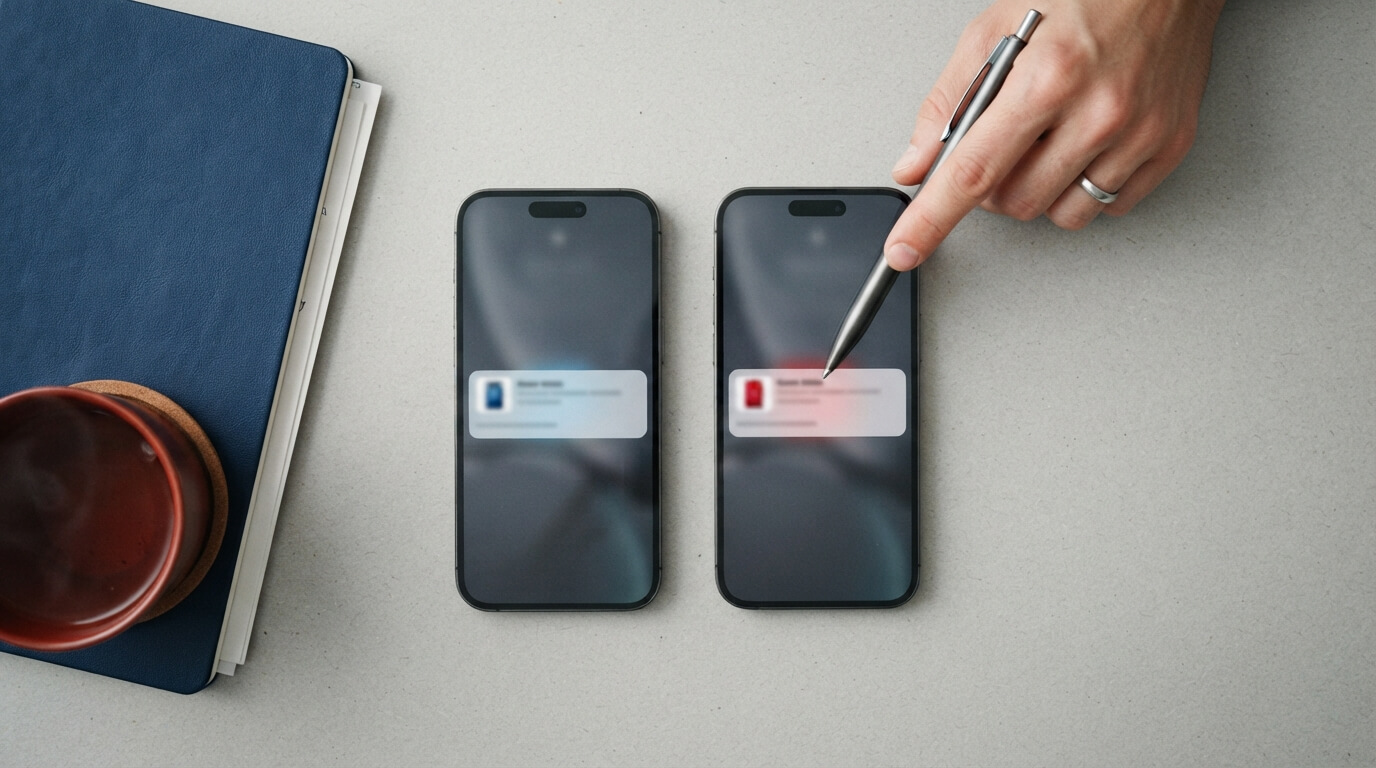
You can’t know in advance which title gets more clicks. “New: our pricing guide” or “How much should you charge?” — both sound fine, and only your subscribers can tell you which one works. A/B testing lets them decide.
This guide covers what to test in a push notification, the two ways to run a test, how long to wait, and how to read the results without fooling yourself.
What is an A/B test for push notifications?
You write two versions of the same notification, A and B. Some subscribers get A and some get B, and nobody gets both. You then compare the click rate of each version: the number of clicks divided by the number of notifications delivered. The version with the higher click rate wins.
What to test
Change one thing at a time, so you know what made the difference.
- The title. The biggest lever. Try a question against a statement, a benefit against a topic, or a number against no number.
- The message. Try short against detailed, or a different reason to click.
- The large image. A product photo against a lifestyle photo, or an image against none.
- Tone. Friendly and casual against short and direct.
- Urgency. “Ends tonight” against no deadline, only when the deadline is real.
In Push Agent, the title can be up to 65 characters and the message up to 240, but shorter is usually better: browsers cut long titles, especially on phones.
Two ways to run a test
Split 50/50
Half of your audience gets A and half gets B. When it’s done, you compare the click rates and use what you learned next time.
Use it when your audience is small, or the message isn’t time-sensitive and you mainly want to learn what your subscribers prefer.
Test, then send the winner
A test group (in Push Agent, 10 to 50% of your audience) gets A or B. After a waiting time you choose, the version with the higher click rate goes to everyone else automatically.
Use it when your audience is big enough for the test group to produce a clear result, and you want most people to get the better version.
How big should the test group be, and how long should you wait?
Click rates jump around with small numbers. If each version reaches only a few dozen people, one or two clicks can decide the “winner” by luck. As a rule of thumb:
- Small audience (a few hundred subscribers): use Split 50/50 and look for patterns over several campaigns rather than trusting one result.
- Larger audience: a 20% test group is a good default. Use a bigger group if your click rates are low, so each version collects enough clicks.
- Waiting time: long enough for most clicks to come in. For news and offers, 1 to 2 hours usually works; for content people read in the evening or at weekends, wait longer. Push Agent lets you choose from 30 minutes to 24 hours.
A result is more convincing when the gap is clear and both versions have collected a good number of clicks. A difference of a couple of clicks is noise, not a winner.
How to read the results
- Compare click rates, not raw clicks. If one version was delivered to more people, it will naturally get more clicks.
- Look at the whole picture: a title that gets clicks but disappoints people when they land isn’t a real win.
- Write down what you learned (“questions beat statements for how-to posts”) and test it again later. One test is a hint; several tests that agree are a rule.
A/B test ideas to start with
| Test | Version A | Version B |
|---|---|---|
| Question vs statement | New guide: pricing your services | How much should you charge? |
| Number vs no number | 7 ways to speed up your site | Ways to speed up your site |
| Benefit vs topic | Save 2 hours a week on invoicing | New invoicing feature |
| Personal vs general (shops) | Your favourites are back in stock | New stock just arrived |
| Deadline vs none (real deadlines only) | Sale ends tonight: 20% off | Our sale: 20% off |
Common mistakes
- Changing the title, message and image all at once, so you can’t tell what made the difference.
- Picking a winner after a few minutes, before most people have seen the notification.
- Testing on a tiny audience and treating the result as final.
- Testing things that don’t matter, such as a full stop at the end of the title.
How to run an A/B test in Push Agent
- In your Push Agent dashboard, open New notification and write version A as usual: title, message, link and image.
- Switch on A/B test and write version B’s title and message. You can add a different large image for B, or keep the same one.
- Choose Test, then send the winner or Split 50/50. For the winner mode, choose the test group (10 to 50%) and when to pick the winner (30 minutes to 24 hours).
- Send or schedule it. The progress window shows delivered, clicks and click rate for each version, and marks the winner. If it’s a tie, version A is sent.
A/B testing is included in the Growth and Business plans, and every new account can try Growth free for 14 days. See pricing.
New to push? Start with what web push notifications are. Running a shop? Test your offers, and keep order status updates simple and clear.
Frequently asked questions
How many subscribers do I need to A/B test push notifications?
You can test with any audience, but small audiences give noisy results. With a few hundred subscribers, use a 50/50 split and look for patterns across several campaigns. With larger audiences, testing on a group and sending the winner works well.
How long should I wait before choosing the winner?
Long enough for most clicks to arrive. One to two hours suits news and offers; content people read later in the day needs longer. Push Agent lets you choose from 30 minutes to 24 hours.
Can I A/B test the image of a push notification?
Yes. In Push Agent, version B can have its own large image. Change only the image if you want to know what the image itself is worth.
Does anyone receive both versions?
No. Each subscriber gets either version A or version B.
What happens if both versions get the same click rate?
In Push Agent, if the test ends in a tie, version A is sent to the rest of the audience.
Which Push Agent plans include A/B testing?
Growth and Business. New accounts can try all Growth features free for 14 days.